
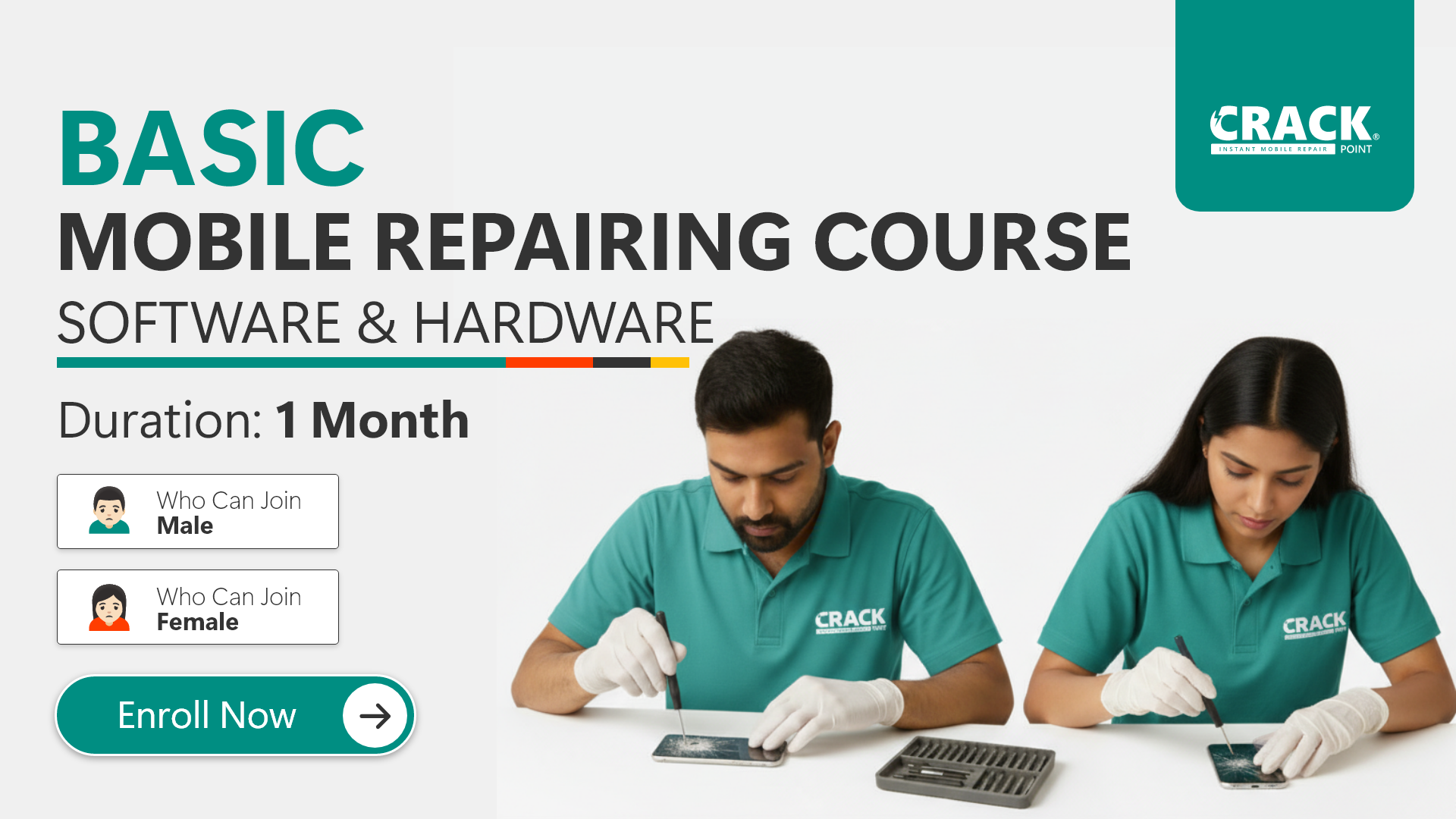
Basic Mobile Repairing Course Software & Hardware (1 Month)
About Course
• বেসিক কম্পোনেন্ট ও মাল্টিমিটার টেস্ট ।
• চার্জিং পিন ও B2B কানেক্টর চেঞ্জ ।
• ডিসপ্লে–ব্যাটারি–UV গ্লু প্র্যাকটিক্যাল ।
• নেটওয়ার্ক ও অডিও সমস্যা সমাধান ।
• সব ব্র্যান্ডের সফটওয়্যার ফ্ল্যাশিং ।
• FRP, Unlock, Bootloop Fix ।
***👇 নিচে Course Content লিস্ট দেখুন ।
Course Content
Mobile Phone Model Number Power On and Dead Conditions
-
Power On Condition
11:07 -
Dead Condition
11:07
Oparating System, Wireless Technologies & Data Units
-
Operating Systems: Android vs iOS vs Windows
03:55 -
Wi-Fi, Bluetooth, and Infrared
05:59 -
Data Units – KB, MB, GB, TB
05:04
Assembly & Disassembly,Circuit Bord, Safely Remove Back Glass & Battery
-
Assembly & Disassembly – Step-by-Step Guide
-
Safe Removal of Mobile Back Glass
-
Safe Removal of Mobile Battery
-
Clean Middle Frame Before Fixing the LCD
-
New Display Replacement – Step-by-Step Guide
Small Components: Identification, Multimeter Use & Testing Methods
-
Multimeter: Basic Functions,Symbols, Usage and Testing
15:37 -
CS Resistor: Function, Location & Testing
10:09 -
Capacitors: Function and Testing Methods
-
Resistor: Types, Function, Test
-
Coil: Function, Types, Testing
-
Diode: Types, Working Principle, Testing
-
OVP IC: Function, Location & Testing
-
Microphone: Function, Types, Testing
-
GR: Ground Reading
06:57
Repair Tools: Proper Usage Guide
-
Tweezers Using
02:08 -
Cleaning Liquid Using
02:24 -
Soldering Iron Using & Temperature Setting
-
Soldering Wire Using
01:26 -
De-soldering Wick Using
07:20 -
UV Glue & UV Light Using
00:00 -
Flux Paste Using
03:57 -
SMD Rework Station Using & Temperature Setting
-
Power Supply Using
-
Stencil Using (IC Reballing)
-
PPD Paste Using
00:00 -
Micro Jumper Wire Using
-
Microscope Using
-
Thermal Camera Using
Hardware: Practical Class
-
Micro USB (V8) Charging Pin Change
06:13 -
Type-C Charging Pin Change
11:20 -
Primary Microphone Change
03:29 -
Secondary Microphone Change
06:55 -
PCB Protector Plate Remove & Fix
07:46 -
Headphone Jack Remove & Fix
18:50 -
Broken Antenna Wire Repair
05:52 -
Switch Connection (2pin & 4pin)
-
Switch Buttons Repair
08:06 -
Power & Volume Switch Change
-
Battery Connector Change: Battery
-
Battery Connector Change: Motherboard
10:06 -
B2B Camera Connector Repair
10:54 -
B2B Connector Tracks Repair
10:15 -
B2B LCD Flex Connector Change
03:56 -
Broken Flex Cable Jumpering
-
Motherboard Track Repair
-
Small IC Remove & Fix
-
Pasted Glue Cutting: IC & Components
-
eMMC/NAND IC Removing
Basic Software Details & Flashing
-
IMEI Number Check
02:51 -
Self-Testing Codes (Secret)
-
What is FRP Lock?
-
What Is Baseband Version?
02:50 -
Turn On/Off TalkBack
04:52 -
Computer Device Manager Driver Check
03:59 -
Install Mobile Drivers on Your Computer
-
Install Mobile Driver Manually on Your Computer
-
Boot Key, EDL Mode
-
Download Correct Firmware (Flash File)
-
Download Right Flash Tool
-
Extract ZIP File, RAR Files
-
Jio Phone Flashing – Step-by-Step
-
Samsung Phone Flashing – Step-by-Step Guide
-
MTK (MediaTek) Phone Flashing – Step-by-Step Guide
-
SPD (Spreadtrum) Phone Flashing – Step-by-Step Guide
-
Qualcomm Phone Flashing – Step-by-Step Guide
Practical Knowledge: Diagnose & Problem Solve
-
Short Checking – Full Shorting, Half Shorting, Minor Shorting
-
Audio Problem – Diagnose & Solve
-
Network Problems – Diagnose & Fix
-
Wi-Fi / Bluetooth Problems – Diagnose & Fix
Exam & Practical
-
Component Testing Exam
-
Software Flashing Exam
-
Self Testing Code Exam
Certification
-
Certification Process
Student Ratings & Reviews
No Review Yet